Digital Publishing
How to Build a Digital Newspaper Website
Everything a publisher needs to know before building a digital newspaper website, from platform choice to launch day.

Building a digital newspaper website used to mean hiring developers, designing a custom CMS and hoping readers would find their way to it. Today, most publishers skip that heavy lifting and instead choose a purpose-built platform that already understands how newspapers work: editions, pages, sections and daily deadlines.
This guide walks through the practical steps of building a digital newspaper website in 2026, whether you are a local paper putting out your first digital edition or a regional publisher modernizing an outdated website.
Decide what your website is actually for
Before picking any tool, define what readers should be able to do on your site: read today's edition, browse an archive, share individual stories, or subscribe. These goals determine your technical requirements far more than design preferences do. If you learn more about what an ePaper actually is first, the rest of the decisions become much easier.
Common goals for a newspaper website
- Publish daily or weekly PDF editions as a readable digital newspaper
- Let readers crop and share individual articles on social media
- Build a searchable archive of past editions
- Convert loyal readers into paying digital subscribers
Custom build vs. a dedicated ePaper CMS
Many publishers initially consider a custom website built on a generic CMS. The problem is that generic platforms were not designed for the newspaper workflow of uploading a full PDF edition and turning it into shareable, readable content automatically.
A dedicated ePaper CMS solves this by handling PDF ingestion, page rendering, story cropping and reader-facing navigation out of the box, which is why most publishers now compare platforms using our guide to the best digital newspaper software rather than starting from scratch.
The real cost of a custom build isn't the first version, it's every year of maintenance after launch.
Core features your website needs
Whatever platform you choose, make sure it covers the essentials that readers and editorial teams expect from a modern digital newspaper.
- Fast page loading via CDN delivery, even for image-heavy editions
- Area mapping so individual articles can be cropped and shared from a full page
- An edition archive readers can browse by date
- A clip slider for swiping between related cropped stories
- Subscription and paywall support for monetizing loyal readers
- Mobile-friendly reading, ideally with PWA or app support

Setting up your site with ePaperOS
With ePaperOS, you don't build a website from zero. You customize branding, navigation and layout inside the platform's features, then publish editions as PDFs.
Typical setup sequence
- Create your publication and apply your masthead, colors and dynamic navbar
- Upload your first PDF edition for processing
- Use area mapping to define clickable regions for each article
- Preview the reader experience on desktop and mobile
- Publish, or use the edition scheduler to go live at a set time
Publishers running multiple titles or local editions often start from our solutions for local media or newspapers pages, which outline setups tailored to those workflows.
Launch, then build a growth loop
Launching the website is only the starting point. The sites that succeed treat every edition as a chance to bring new readers in through shared clips, comments and search traffic, not just a static archive entry.
If you want to try the full workflow before committing, a 7-day free trial lets your team upload a real edition and see how readers would experience it.
Getting help when you need it
Even with a managed platform, questions come up during setup, from DNS configuration to branding details. Our support team and FAQ cover most of these, and our pricing page outlines exactly what's included at each storage tier.
If you'd rather have someone walk through your specific setup, you can book a demo and ask questions directly against your own PDF editions.
Frequently asked questions
No. Platforms built specifically for newspapers let you customize branding, navigation and layout without writing code, since the underlying PDF processing and page rendering is handled for you.
Most publishers can go from signup to a published first edition within a day, since the heavy lifting is uploading a PDF and mapping article regions rather than building infrastructure.
Yes. Most publishers continue printing physical copies and simply upload the same print-ready PDF to generate the digital edition, keeping both workflows in sync.
Related articles
ePaper
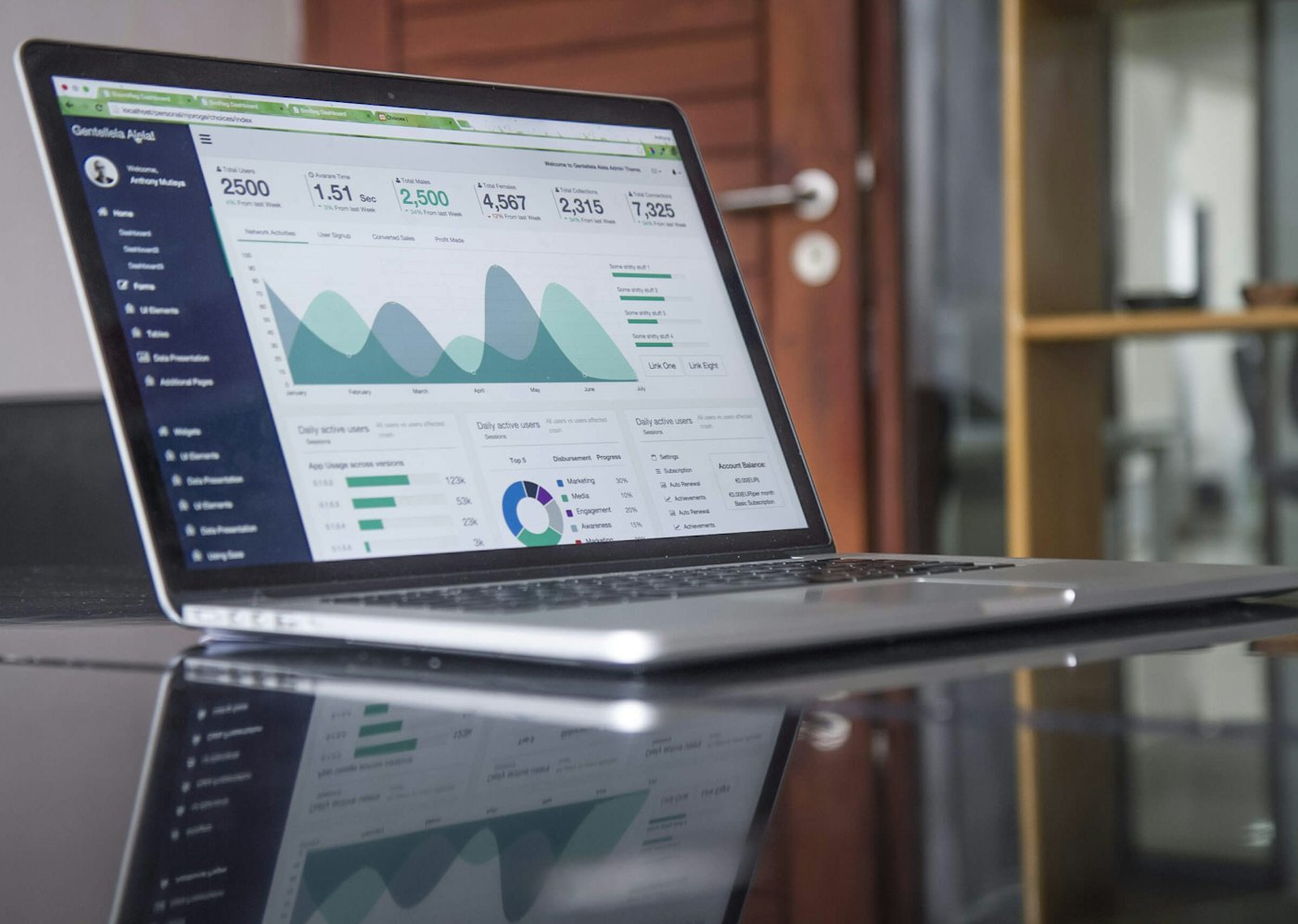
What Is an ePaper CMS? How Publishers Manage Digital Editions
An ePaper CMS is the backend that lets publishers upload, schedule, and manage digital editions without touching code. Here's how it works.
· 7 min read
Publishing Technology
What Is Area Mapping in ePaper Publishing?
A full newspaper page is hard to read and share on a phone. Area mapping breaks it into clickable, shareable stories. Here's how it works.
· 6 min read

Publishing Technology
Best Digital Newspaper Software: A Buyer's Guide
Choosing digital newspaper software involves more than comparing feature lists. This buyer's guide gives you a practical evaluation framework.
· 8 min read