Publishing Technology
What Is Area Mapping in ePaper Publishing?
A full newspaper page is hard to read and share on a phone. Area mapping breaks it into clickable, shareable stories. Here's how it works.
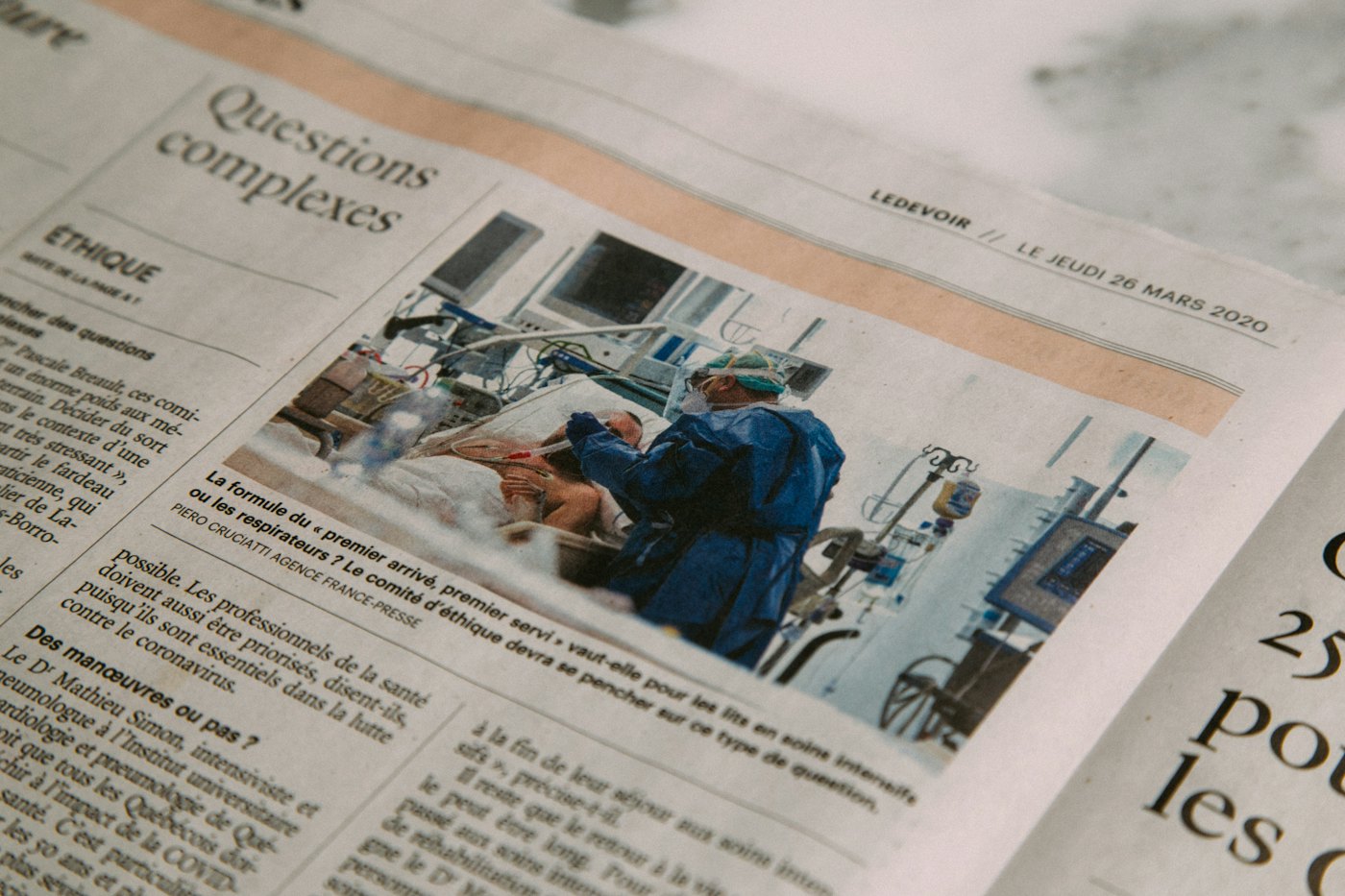
If you've ever tried to read a scanned newspaper page on your phone, you know the problem: tiny text, awkward zooming, and no easy way to share just the one story you cared about. Area mapping solves exactly this problem, and it's one of the quieter but most important features in modern ePaper publishing.
In this article, we explain what area mapping is, how admin and reader cropping differ, and why publishers who map their pages well tend to see far more social sharing than those who simply upload a flat PDF.
Area mapping, defined
Area mapping is the process of drawing boundaries around individual articles, photos or ads on a scanned or exported newspaper page, so each region becomes its own clickable, shareable unit rather than part of one large image.
Once a page is mapped, a reader tapping on a headline sees just that story enlarged and readable, instead of the entire page. This single change is often the difference between a digital newspaper and a plain PDF experience.
Admin mapping vs. reader cropping
There are two complementary ways mapping happens in a modern ePaper CMS.
Admin area mapping
An editor or production team member draws regions over each article before or shortly after publishing an edition. This ensures every major story has a clean, pre-cropped version ready for sharing the moment the edition goes live.
Reader cropping
Readers can also draw their own crop box around any part of a page, even one the admin didn't pre-map, and share that specific clip. This is especially useful for classifieds, obituaries, or smaller items that editors might not prioritize mapping manually.
- Admin mapping: consistent, pre-built, ideal for front-page and lead stories
- Reader cropping: flexible, on-demand, covers the long tail of smaller content
- Both can carry a watermark to protect the source publication
Why area mapping matters for growth
Sharing is the main way digital editions reach new readers. A reader who shares a cropped obituary or a cricket match report on WhatsApp is doing marketing for your publication for free, but only if that clip looks clean, readable and properly branded.

A well-mapped front page can generate dozens of individual shares, each one a small advertisement for tomorrow's edition.
This is also connected to how publishers monetize digital readers, since shared clips with watermarks consistently drive new visitors back to the full edition, where paywalls and subscription prompts can convert them.
The clip slider: browsing beyond one story
Once a page is mapped, readers rarely want to stop at one story. The clip slider lets them swipe sideways between all the mapped stories on a page, or across a full edition, without returning to a zoomed-out page view each time.
- Reader opens a shared clip link from social media or messaging
- They read the cropped story in full, legible size
- They swipe to see the next mapped story on the same page
- They can continue browsing the rest of the edition from there
Practical tips for mapping editions well
- Map the front page and any major feature stories first, since these get shared the most
- Keep mapped regions tight around the actual article text and headline
- Use consistent watermark placement so shared clips are recognizable as yours
- Review mapping speed as part of your daily production schedule, not an afterthought
Publishers exploring this feature in depth often check our features page, or review pricing to see which storage tier fits their edition volume, since all plans include the full area mapping toolset.
Try area mapping on your own edition
The best way to understand area mapping is to try it on a real page from your own publication. Start a free trial and upload a recent PDF edition, or book a demo if you'd like someone to walk through the mapping workflow with you.
Frequently asked questions
Editors typically map key stories manually in a few minutes per edition using a visual drag-to-select tool, while readers can crop additional regions themselves at any time.
Yes. Area mapping works on PDF editions whether they originate from print layout software or scanned print pages, as long as the page image is clear enough to read.
Yes. Clips shared from mapped regions can carry a watermark automatically, helping protect the source and promote the publication whenever a clip is shared further.
Related articles

Digital Publishing
How to Build a Digital Newspaper Website
Everything a publisher needs to know before building a digital newspaper website, from platform choice to launch day.
· 7 min read

Digital Publishing
Digital Newspaper vs. PDF: What's the Real Difference?
Posting a PDF online isn't the same as publishing a digital newspaper. Here's what separates the two, and why the difference matters for readers and revenue.
· 6 min read

Publishing Technology
The Benefits of Cloud ePaper Software for Publishers
Cloud ePaper software changes how publishers host, deliver and scale digital editions. Here's what that actually means in practice.
· 6 min read