Guides
How to Convert a Print Newspaper PDF into an ePaper: A Step-by-Step Guide
The journey from a print-ready PDF to a fully interactive digital ePaper is simpler than you think. This guide walks you through every technical and editorial step.
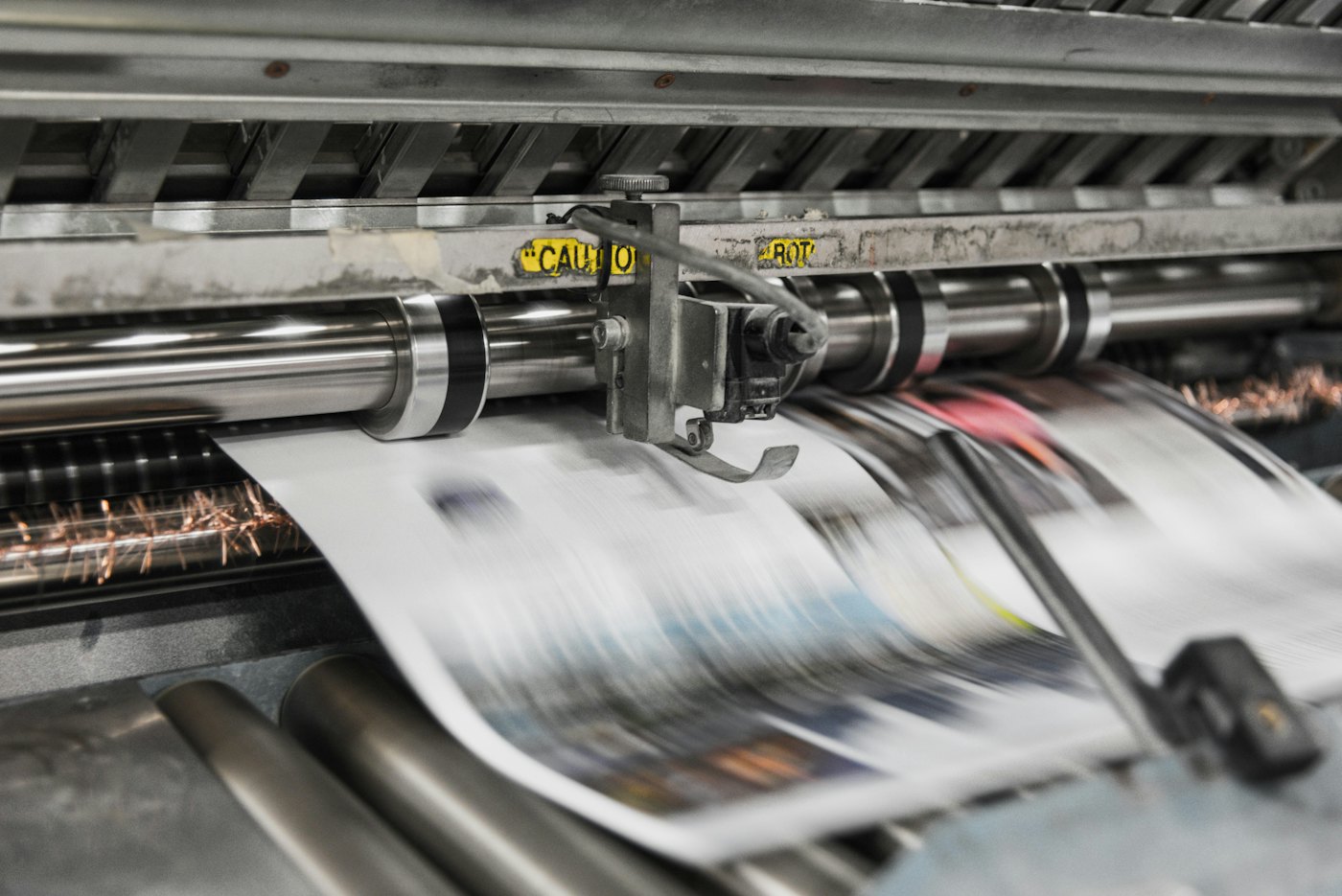
For decades, the printing press was the final destination for every newspaper. Today, that same print-ready PDF is merely the starting point for a digital journey. Converting a print newspaper PDF into an ePaper is no longer just about 'putting it online'—it's about creating a readable, shareable, and searchable experience that honors your print heritage while embracing digital speed.
In the Indian publishing landscape, where regional reach is expanding and mobile usage is at an all-time high, the transition from print to digital must be seamless. This guide provides a comprehensive, step-by-step framework for publishers looking to modernize their workflow using ePaperOS and other professional tools.
We will cover everything from the initial PDF export settings in your layout software to the final distribution on social media, ensuring your readers get the best possible experience on every device.
Step 1: Preparing Your Print-Ready PDF for Digital
The quality of your ePaper depends entirely on the quality of the PDF you feed into the system. While the PDF used for the physical press is high-resolution, it often contains elements that are unnecessary or even detrimental to digital performance.
Optimize Resolution and Color Space
Print PDFs are typically saved in CMYK color space at 300 DPI or higher. For digital screens, RGB is the native color space. While modern ePaper software handles the conversion, exporting a specific 'Digital Edition' version from InDesign or QuarkXPress can save processing time.
- Ensure all fonts are embedded to prevent rendering issues on mobile devices.
- Use a resolution of 150-200 DPI for a balance between clarity and file size.
- Flatten transparencies to avoid 'ghosting' effects in web viewers.
- Remove printer marks, bleeds, and slugs that are only relevant to the physical press.
Step 2: Choosing the Right ePaper Platform
In India, publishers face unique challenges including varied internet speeds and a massive mobile-first audience. Using a generic PDF viewer is often insufficient. You need a dedicated ePaper CMS that understands the structure of a newspaper.
When evaluating platforms, look for features like 'Area Mapping' and 'CDN delivery'. These ensure that even a 50MB PDF loads instantly for a reader in a Tier 3 city on a 4G connection. For many small to mid-sized Indian newspapers, pricing is also a critical factor; ePaperOS offers plans starting from just ₹3,499/year, making professional digital publishing accessible to everyone.
Step 3: Uploading and Automated Processing
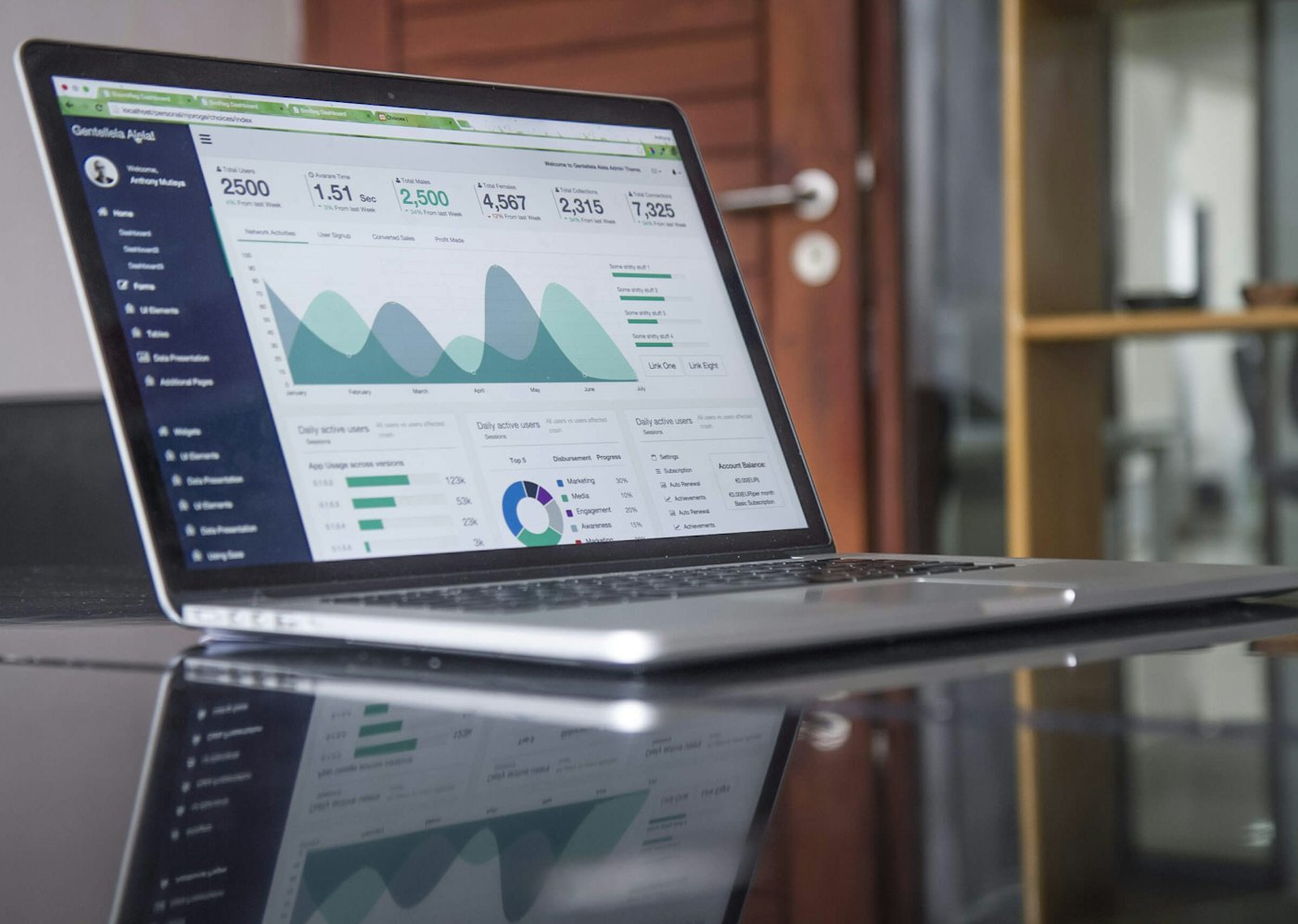
Once your PDF is ready and your platform is chosen, the next step is ingestion. This is where the magic happens. The system takes your multi-page PDF and slices it into web-optimized tiles or images.
During this phase, the software should also extract text layers. This is vital for ePaper SEO (which we cover in depth elsewhere). If your PDF contains selectable text, the ePaper should be able to index it, allowing readers to search for specific keywords across your entire archive.
Step 4: The Secret Sauce—Area Mapping
If there is one step that separates a 'PDF on a website' from a true 'ePaper', it is area mapping. Area mapping is the process of defining clickable regions on each page that correspond to individual articles.
Why does this matter? Because reading a full broadsheet page on a smartphone screen is impossible. By mapping the articles, you allow the reader to tap on a headline and see a zoomed-in, readable 'clip' of just that story. It also enables them to share that specific story on WhatsApp, which is the primary driver of traffic for many Indian publishers.
- Open the area mapping tool in your dashboard.
- Draw rectangles around each major headline and story block.
- Tag the stories with categories (e.g., Sports, Local News, Politics).
- Save and preview the 'clip view' to ensure readability.
Step 5: Branding and Reader Navigation
Your ePaper shouldn't look like a generic tool; it should look like *your* newspaper. Customizing the viewer with your masthead, brand colors, and a dynamic navigation menu is essential for building trust with your audience.
Consider adding links back to your main news website, a book a demo button for advertisers, and clear links to your pricing and subscription pages if you use a paywall.
Branding is the bridge between your print legacy and your digital future.
Step 6: Launch and Distribution
You've converted the file, mapped the stories, and applied your branding. Now it's time to tell the world. Distribution is where most publishers fail. Don't just bury the link in your website's footer.
- Share the direct link to the 'Today's Edition' on your Facebook and Twitter pages.
- Use the 'Clip and Share' feature to post specific high-interest stories on WhatsApp groups.
- Email your existing subscriber list with a link to the digital edition.
- Include a QR code in the physical print edition that leads directly to the ePaper.
If you're not sure where to start, our solutions for newspapers page offers more specific strategies for different types of publications.
Frequently asked questions
With ePaperOS, the automated processing takes only a few minutes. Manual area mapping for a 16-page edition typically takes about 15-20 minutes.
No. Our platform is cloud-based. All you need is a browser and your PDF file.
Yes! Many publishers use our platform to digitize years of back issues, creating a searchable historical archive.
Related articles
ePaper
What Is an ePaper CMS? How Publishers Manage Digital Editions
An ePaper CMS is the backend that lets publishers upload, schedule, and manage digital editions without touching code. Here's how it works.
· 7 min read

Industry Insights
How to Build a Digital Publishing Workflow
A reliable digital publishing workflow turns a chaotic daily deadline into a repeatable process. Here's how modern publishers structure theirs.
· 7 min read
Publishing Technology
What Is Area Mapping in ePaper Publishing?
A full newspaper page is hard to read and share on a phone. Area mapping breaks it into clickable, shareable stories. Here's how it works.
· 6 min read